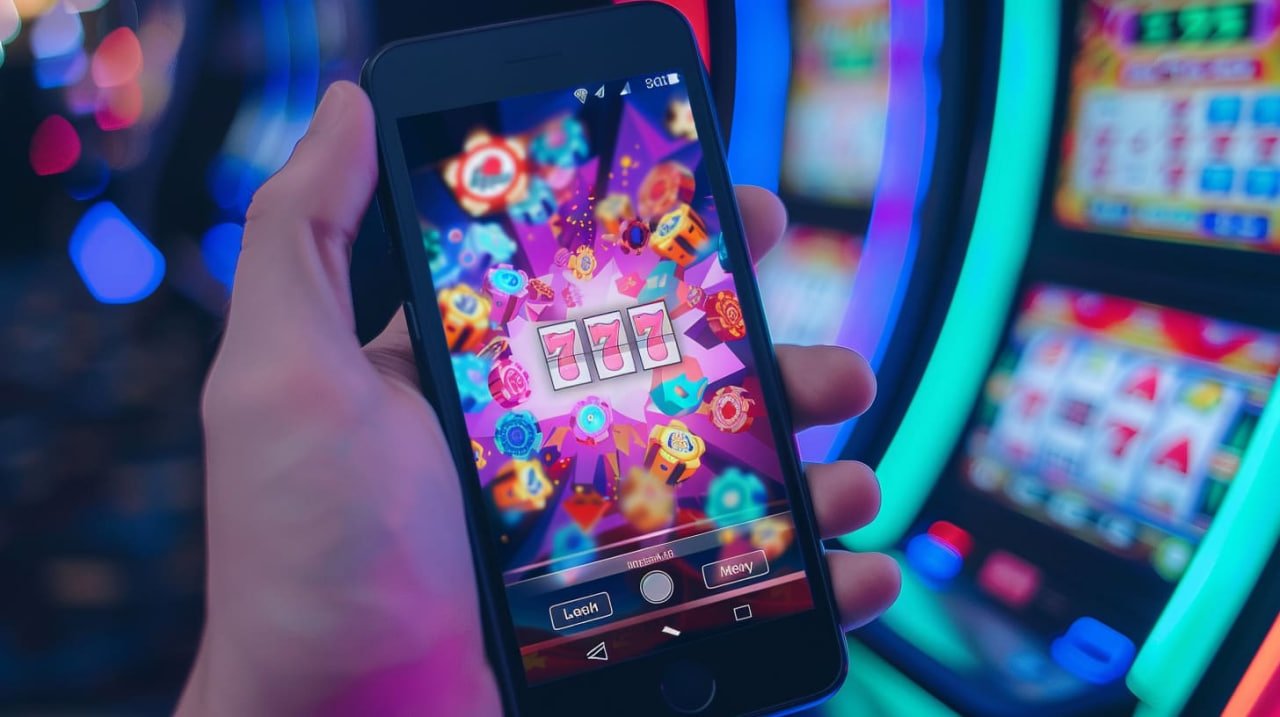
Access everything Obaje has to offer from anywhere in Bangladesh, right on your mobile. Betting, Live Casino, Fish Game — all in one app.
The Obaje app runs just as smoothly on both Android and iOS. Whichever device you use, the experience is equally great.
Tap the "Download Android APK" button above. The download will begin in your browser.
Go to Settings → Security → enable "Unknown sources". This only needs to be done for the Obaje app.
Go to your Downloads folder, tap the obaje.apk file, then tap "Install".
Installation completes in under 30 seconds. The Obaje icon will appear on your home screen.
Log in if you have an existing account, or sign up for free.
Visit the site in Safari on your iPhone. Installation will not work on Chrome or Firefox.
Tap the "Download iOS App" button on the page. A confirmation prompt will appear.
Tap the Share icon in Safari → select "Add to Home Screen" → tap "Add".
Go to Settings → General → VPN & Device Management → Obaje profile → tap "Trust".
Tap the Obaje icon on your home screen and start playing.
More than just an app — Obaje puts an entire gaming universe right in your hands.
Thanks to optimized code and CDN technology, the Obaje app loads fast even on a slow internet connection.
Get instant notifications before matches kick off, when bonus offers go live, and when withdrawals are completed.
Log in quickly and securely with Fingerprint or Face ID — no need to type your password every time.
The Obaje app comes in dark mode by default, making it easier on the eyes and better for battery life.
Deposit and withdraw via mobile banking and digital wallets without ever leaving the app.
All data transfers are secured with 256-bit SSL encryption. Your information is completely safe.
If you'd rather not download the app, you can access Obaje directly through any mobile browser. Open obaje.vu in Chrome, Firefox, Samsung Internet, or any browser and enjoy all the features.
The mobile browser version is fully responsive and optimized for small screens. From Live Casino to Sports Betting, every feature works exactly the same.
Mobile internet usage in Bangladesh grows every day. In Dhaka, Chattogram, Sylhet, and beyond, people now handle everything from their smartphones. Obaje With that need in mind, they have built a lightweight yet powerful mobile app.
A dedicated app offers several advantages over a web browser. It loads faster because many resources are cached on your device. You also receive important updates directly on your phone via push notifications.
Obaje Another great feature of the app is offline mode — even without a network connection, you can still view your game history, balance, and account dashboard.
Obaje also works on PC or laptop through any browser. Many users prefer the larger screen for Live Casino or Sports Betting. The desktop version also lets you run multiple games side by side in separate windows.
Make sure your device meets the requirements for the Obaje app.
| Topic | Android | iOS | Browser |
|---|---|---|---|
| Minimum OS | Android 6.0+ | iOS 13.0+ | Any |
| RAM | 2 GB+ | 2 GB+ | 4 GB+ (PC) |
| Storage | 50 MB free | 40 MB free | Not Applicable |
| Internet | 3G or higher | 3G or higher | 3G or higher |
| Display | 4.5 inches+ | 4.7 inches+ | Any |
| Key Features | Fingerprint Support | Face ID / Touch ID | WebGL Support |
The most frequently asked questions about downloading and installing Obaje.
Download for free and enjoy Bangladesh's best online gaming experience today.
Safe & virus-free | Only 32 MB | Free Updates